



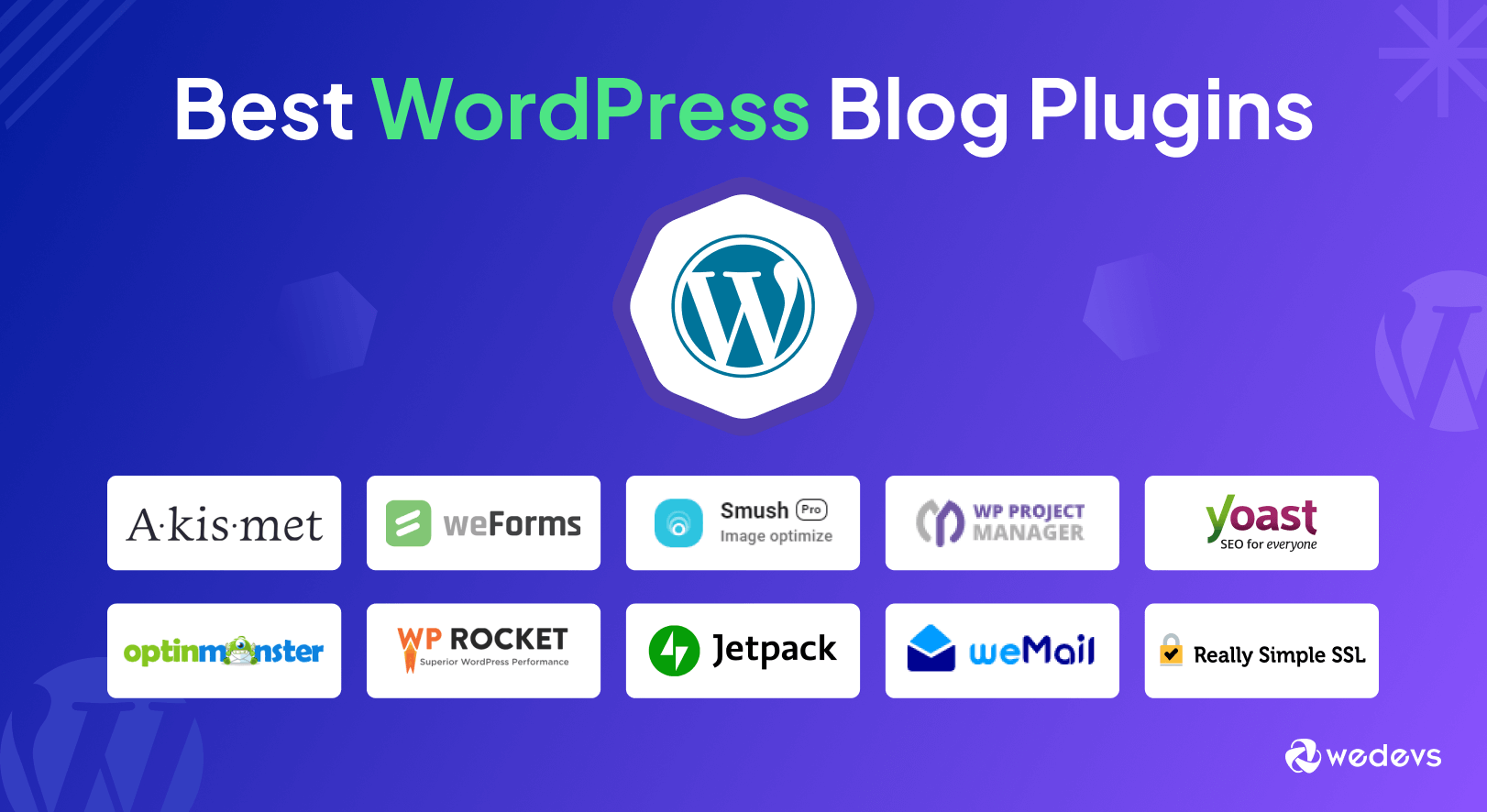
The Top 10 Must-Have WordPress Plugins for Every Blogger in 2026
Building a blog today is a bit like building a high-tech racing car. You have the engine (WordPress), but to win the race, you need the right tires, specialized fuel, and a great GPS system. In the world of websites, these extra tools are called plugins.
A plugin is a small piece of software that adds new features to your blog without you needing to know how to write code. Whether you want to appear on the first page of Google or keep hackers away, the right plugins make your life easier. Here are the top 10 most useful and popular plugins for 2026.
1. Rank Math SEO: Your Search Engine GPS
If you want people to find your blog, you need Search Engine Optimization (SEO). Rank Math is like a smart GPS for your writing. As you type your blog post, Rank Math gives you a score from 0 to 100. It tells you if your title is exciting enough and if you have used your keywords correctly. In 2026, it even includes AI tools that suggest better words to help you beat your competitors in Google search results.
2. WP Rocket: The Speed Demon
Nobody likes a slow website. If your blog takes more than three seconds to load, most people will leave. WP Rocket is a “caching” plugin that makes your site fly. It works by saving a “snapshot” of your pages so they don’t have to be rebuilt every time someone visits. It is widely considered the best performance tool in 2026 because it is incredibly easy to set up—you just turn it on, and your site immediately gets faster.
3. Wordfence Security: The Digital Bodyguard
As your blog grows, it will unfortunately attract the attention of “bots” and hackers. Wordfence Security is your personal bodyguard. It sets up a firewall (a digital wall) around your site to block suspicious visitors. It also scans your files every day to make sure no viruses have been hidden in your code. It’s a “set-and-forget” tool that gives you peace of mind.
4. Elementor: The Magic Architect
Old WordPress blogs used to look very plain. Elementor is a “drag-and-drop” page builder that lets you design beautiful layouts just by moving boxes around with your mouse. You can add buttons, sliders, and video backgrounds in seconds. For a student or a new blogger, it’s the best way to make a site look like it cost thousands of dollars to build.
5. UpdraftPlus: The Ultimate “Undo” Button
Imagine working on your blog for months and losing everything because of a technical glitch. UpdraftPlus prevents this nightmare. It automatically creates a backup (a copy) of your entire site and saves it to a safe place like Google Drive or Dropbox. If you ever make a mistake or your site breaks, you can click one button to “undo” the damage and bring your blog back to life.
6. MonsterInsights: The Traffic Map
To be a successful blogger, you need to know who is reading your work. MonsterInsights connects your blog to Google Analytics and shows you the data right inside your WordPress dashboard. Instead of confusing charts, it shows you simple facts: how many people visited today, which country they are from, and which of your posts is their favorite.
7. WPForms: The Friendly Handshake
Every blog needs a way for readers to reach out. WPForms is the easiest tool for creating “Contact Us” forms. It uses a simple drag-and-drop interface. You can create a basic contact form, a survey to ask your readers questions, or even a newsletter signup form. It ensures that messages from your fans go straight to your email without getting lost.
8. Akismet Anti-Spam: The Junk Mail Filter
If you allow comments on your blog, you will quickly see a lot of “Spam”—fake messages trying to sell things. Akismet is a smart filter that has been around for years. It automatically checks every comment and filters out the junk. This keeps your comment section looking professional and saves you hours of time that you would otherwise spend deleting fake messages.
9. ShortPixel: The Image Shrinker
Beautiful photos are great for blogs, but they are often very heavy files that slow down your site. ShortPixel is a clever plugin that “squashes” your images to make them much smaller in size without losing their quality. This helps your pages load faster while still looking crystal clear. In 2026, it can even convert your photos into modern formats like WebP, which Google loves.
10. Bit Social: The Social Media Megaphone
Once you write a great post, you want the whole world to see it. Bit Social (and similar automation tools) automatically shares your new blog posts to Facebook, X (Twitter), and LinkedIn the moment you hit “Publish.” This helps you get more visitors from social media without you having to manually post links every single time.
Conclusion: Don’t Overload Your Site!
While these 10 plugins are amazing, here is a secret tip from the experts: More plugins are not always better. Every plugin you add is like a piece of luggage your website has to carry. If you carry too much, you’ll slow down.
Pick only the ones you truly need. For a new blog, start with Rank Math for SEO, Wordfence for safety, and WP Rocket for speed. As your blog grows, you can add the others to give your site even more power. Happy blogging!